

We recently put the new HX-M1 GPS Smart Navigator to the test and asked experienced reviewer John Hughes to share his honest thoughts. After spending time with the device in real-world conditions, John explores its navigation features, performance, ease of use and whether it delivers for Australian travellers. This is Part One of a two-part review, where he shares his initial impressions and experiences using the HX-M1 on the road.
HX-M1 Motorbike GPS Smart Navigator Full Review
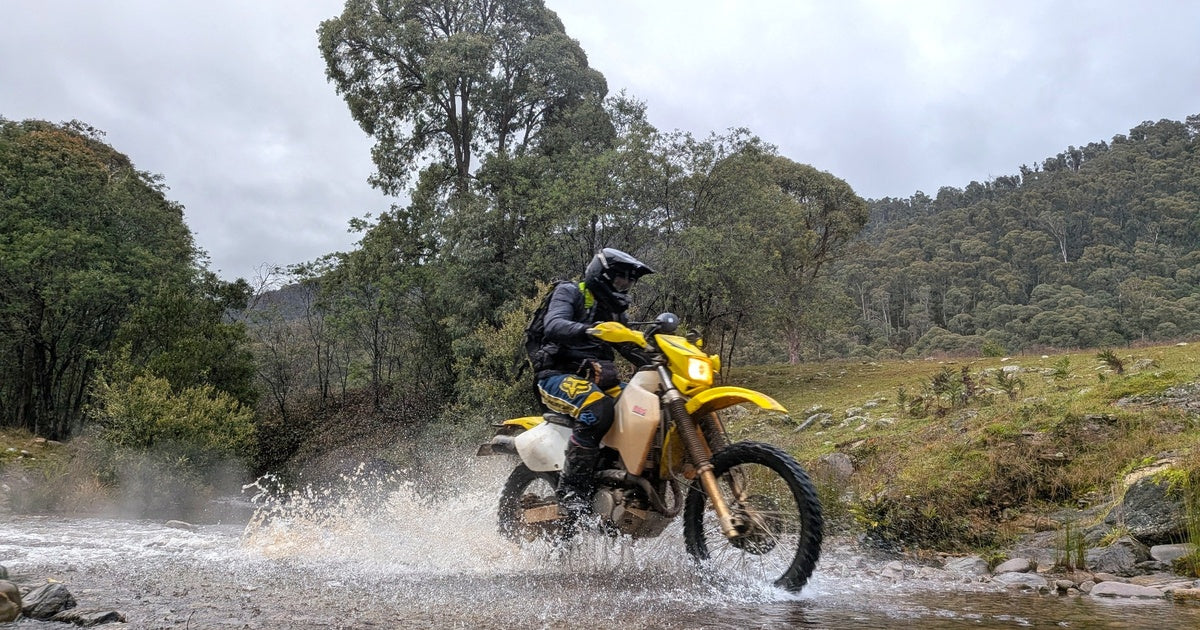
I love my imperfect Suzuki DRZ400. It’s pretty terrible on the road and there are plenty of higher performance, lighter bikes for off road. But it can do just about anything. This mediocre bike has taken this mediocre rider on regular commutes to the office, to virtually all the iconic tracks in the Victorian High Country and across hundreds of kilometres of sandy deserts.
I have set it up for remote off-road travel with a long-range fuel tank, bash plates, stronger handlebars, hand guards, radiator guards, a thermo fan, USB ports and foldable mirrors. I ran an older handlebar mounted GPS until it died and have been making do with paper maps ever since.
When Hema offered me their brand-new motorcycle specific GPS to review, I was very keen to check it out.
Plug and Play Install – Almost.
I did the install myself. If you are comfortable removing a fuel tank, running electrical lines, and connecting to the bike’s battery, it’s very doable. If you have never disconnected a fuel line or battery terminal, it would be better to take it to a bike shop.
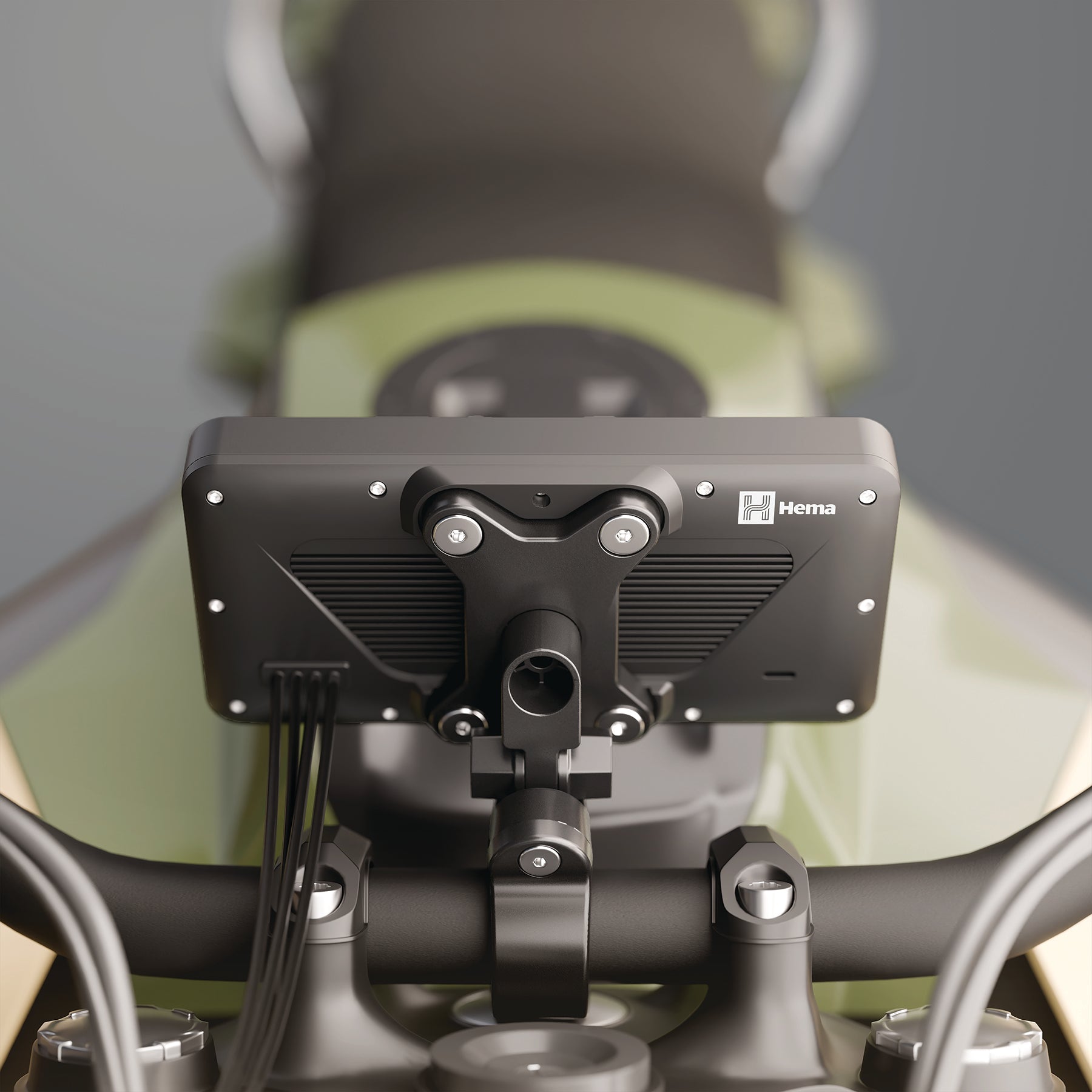
The head unit has a bunch of pre-wired connectors to the handlebar controller, power supply and external antenna provided, and the optional front/rear cameras. All the connection points are colour coded and labelled for an idiot proof plug and play install with one exception. There’s a wire which needs to be patched into your accessories circuit, so the GPS unit powers down when you turn the ignition off. This is going to vary from bike to bike and need a little bit of figuring out.
The supplied handlebar mount looks like it would be pretty universal. I found the best spot for my aftermarket handlebars was the narrow cross brace. This is a lot skinnier than the main part of the handlebar. I found a simple hack of wrapping bicycle tube around the brace to manufacture a suitable diameter to accept the mounting clamp. For more regular installs, there are a number of rubber inserts to accept 32mm, 25mm and 22m handlebars.
(Owners of fancier adventure bikes may ditch the handlebar clamp and utilize the AMPS mounting bracket to install it directly to a navigation tower.)
The front and rear cameras were very easy to install with double-sided tape and little screws provided. I found the best spots on my bike were the headlight shroud and the rear tail tidy.
If you need more information on how to install your HX-M1, check out the video here.
Software Updates
As soon as I powered the GPS up, I was prompted to set up Apple Car Play or Android Auto and then to run software updates. I used my home Wi-Fi, so I didn’t use up mobile phone data for the updates. I didn’t put my bike in the ideal position and the connection failed. Unfortunately, this caused a minor software glitch. The good news is I called the support line and a real person in Melbourne answered the phone straight away and sorted me out. The lesson here is to make sure you have a reliable connection for the updates.
So, what is it like?
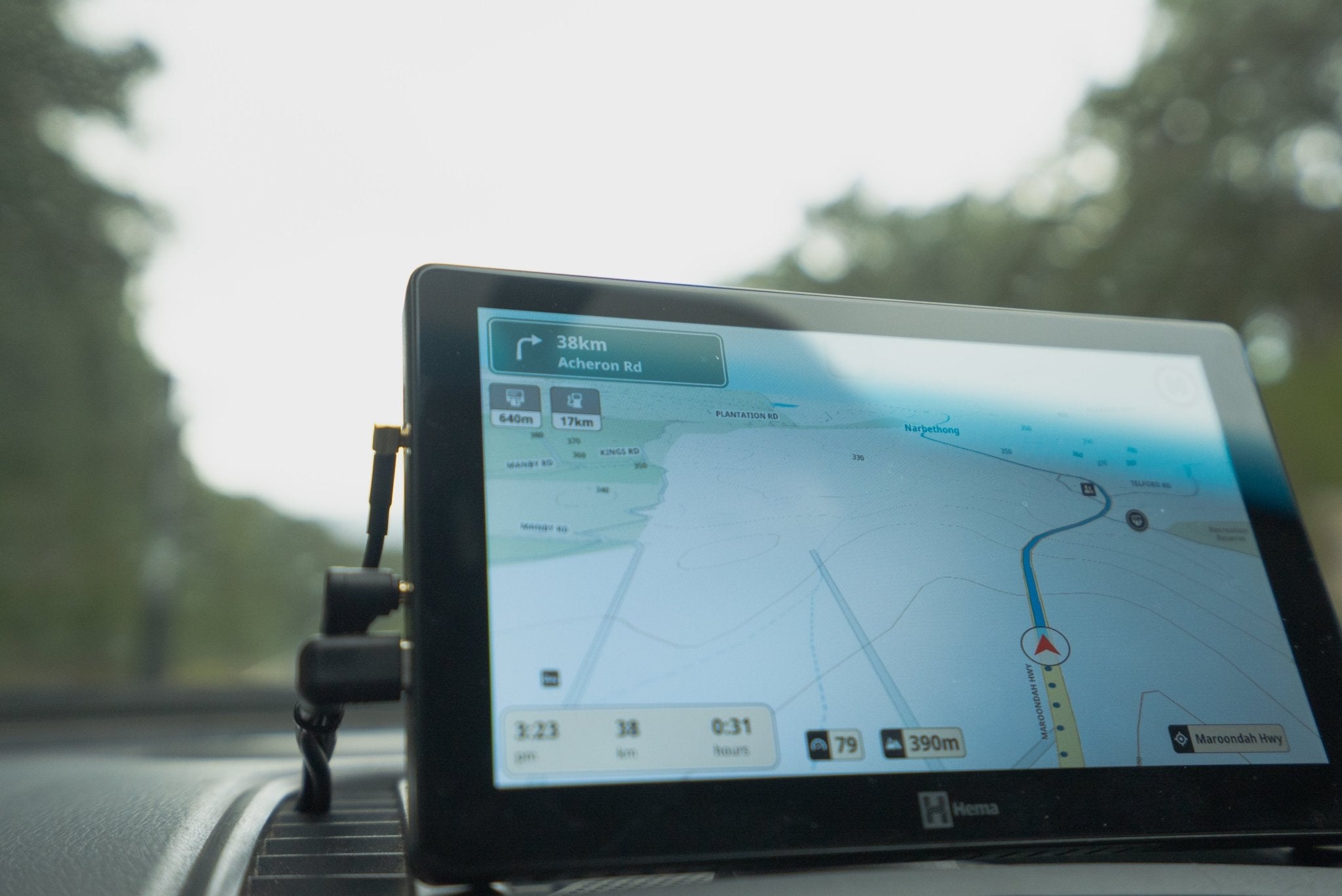
As soon as I finished the install, I was off to the Vic High Country to meet up with one of my sons to join the ride and snap a few photos. The unit is rated as waterproof so of course I hit every creek crossing and bog hole with enthusiasm to test it out (and make a splash for the photos). Plus, we copped with a big downpour of rain. The Hema took it all in its stride, and the bright screen made it visible even with rain droplets on it.
As often happens in the high country, as we climbed, we found ourselves riding in the clouds with limited visibility. Seeing the route ahead and the contour lines on the screen helped me know what was up ahead.
As we descended, we encountered plenty of corrugated roads, and the Hema mount stayed securely in position without vibrating, again being easy to see.
The Hema unit has two mapping options. The standard Hema Navigation enables you to zoom out for an overview and zoom in for the software to pull up more detail. For an additional charge you can get Hema Off Road which is a direct copy of the paper maps. The advantage of this version is the detail remains the same whether you zoom in or out. Plus, if you use Hema paper maps as part of your planning, seeing the exact same thing on the screen when out on the tracks is very reassuring.

Cameras
I got the optional front and rear camera. You can display on the screen the front view, the rear view or a split view of both. It’s great to check that the cameras are pointing where you want them. You can also set up a photo and use the handlebar controller to snap still shots. When I hit the rough stuff off road, I fold the mirrors away to prevent breaking them. The rear-view screen can be used to keep an eye on what’s happening behind you. It’s not as good as mirrors but pretty handy. You can also capture action video footage which is a nice alternative to a GoPro. Apparently, the Hema will automatically capture footage from both cameras in the event of an accident, but I didn’t test that out!

What’s the verdict?
I have been using the Hema for a few months now and have been on several rides including some easy backroad touring and a camp out. I have since used it in the dust and bright sunshine, and the screen visibility has proven to be great in all conditions. The only issue is, my 60-year-old eyes struggled with the font size at times – my 30-year-old son had no problems!
Operating the touchscreen with my thinner motorcross style and tougher road style gloves has worked well. It was great to be able to see the next turn instructions out on the road/trail. I did find a bit of a learning curve in using the software though.
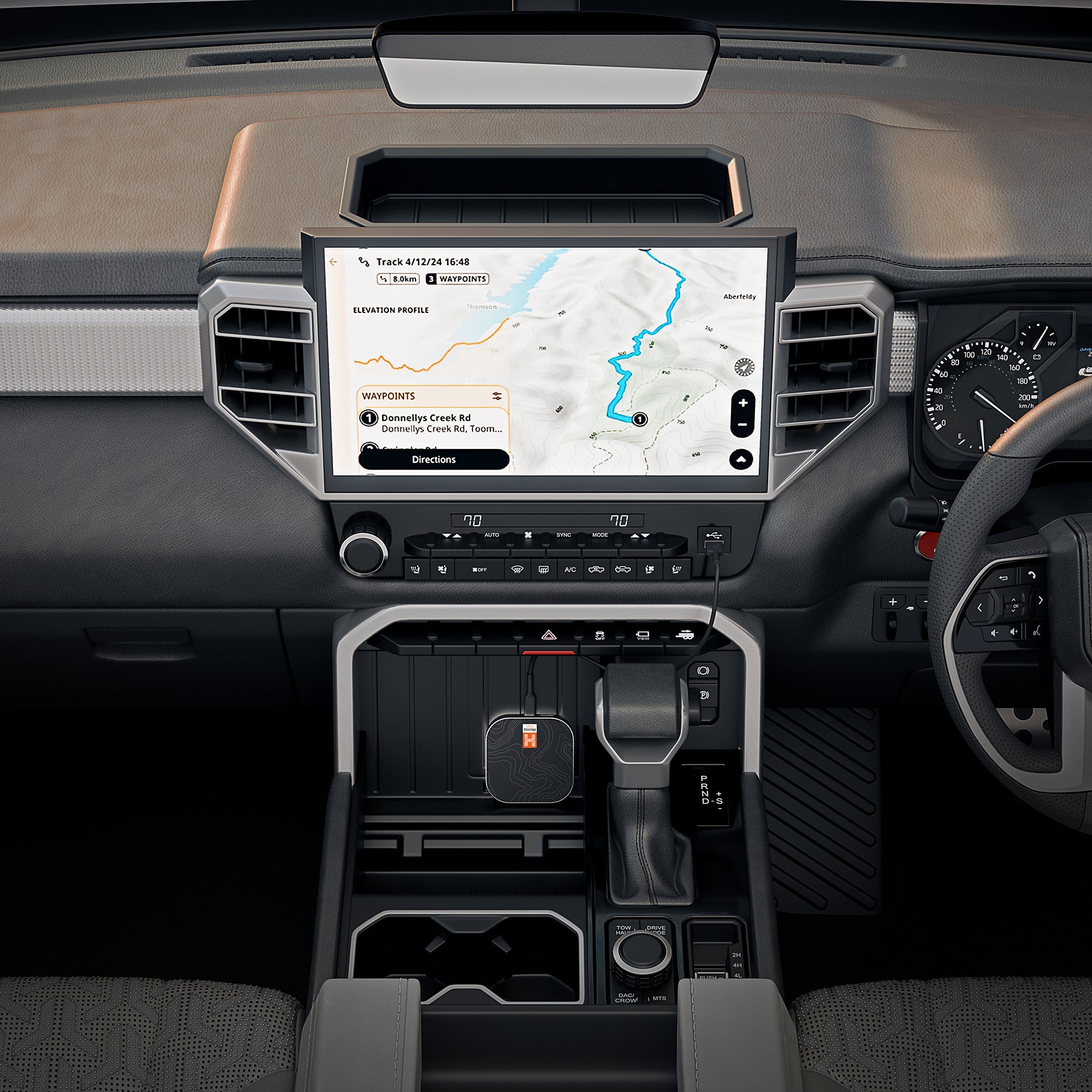
Pairing your phone for Android Auto/Apple Car Play is another great feature for city navigation and answering calls through a headset.
Unlike my old GPS, you don’t have to worry about the unit going flat because it is hardwired to the bike’s battery. No one is going to remove it in a hurry, so you don’t have to worry about it being stolen. The downside is it is not practical to swap it backwards and forwards if you have more than one bike or want to take it in your 4WD.
I still have more tinkering to do with the Hema, but so far it is a fantastic addition to my all-round motorcycling experience.